做一棵随季节变色的树
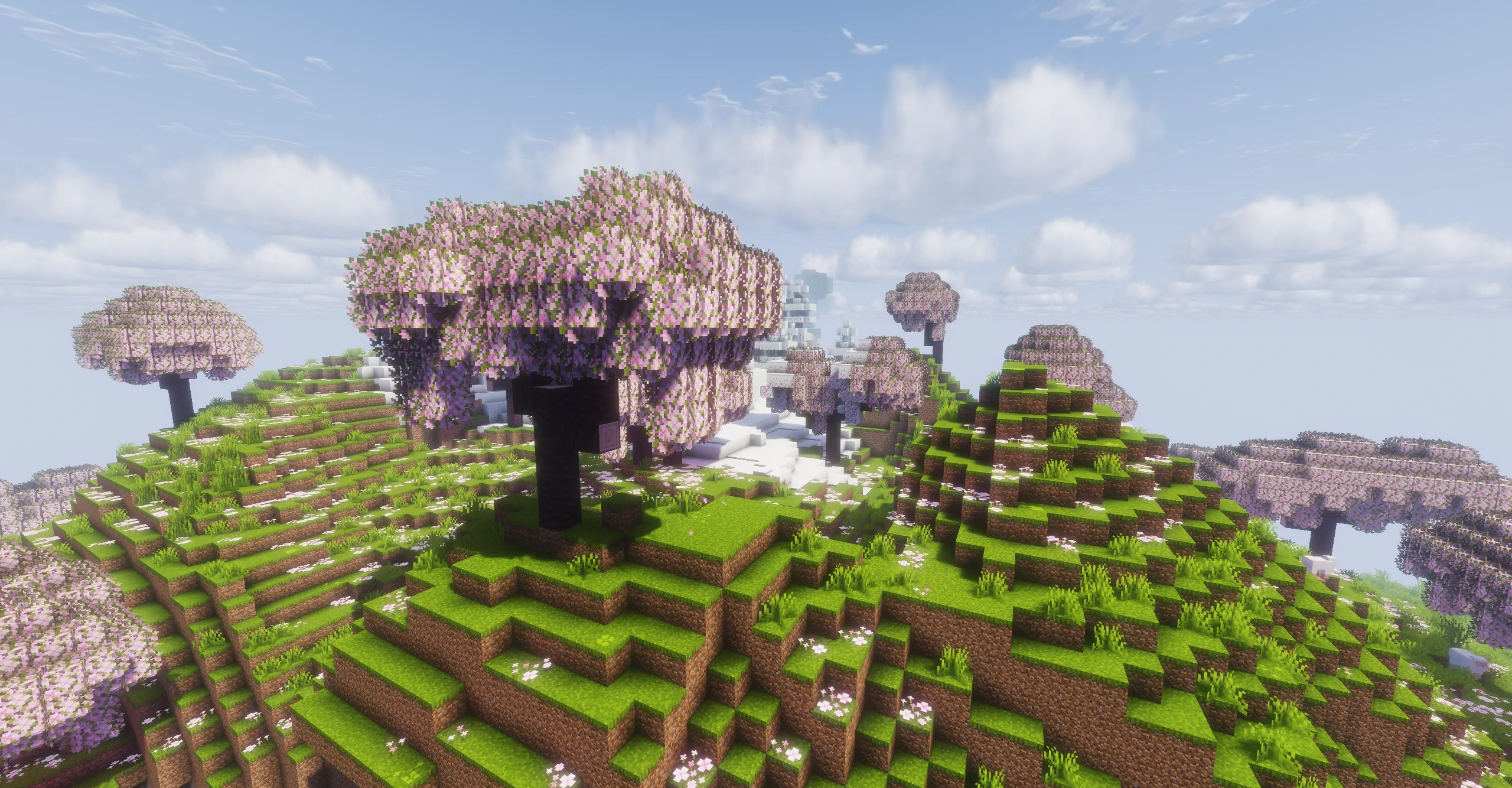
本教程将以樱花树叶为例,为方块添加春、夏、秋、冬四种外观。
完成后,你将获得:
- 春季粉色樱花
- 夏季绿色树叶
- 秋季红色树叶
- 冬季枯黄色树叶
同样的方法也适用于:
- 杜鹃树叶
- 模组树叶
- 农作物
- 自定义植物
选择方案
Ecliptic Seasons 提供两种方式实现季节外观。
season_textures
适用于:
- 普通树叶
- 简单植物
- 简单 BlockState
优点:
- 文件少
- 制作简单
- 不需要额外模型
season_definitions
适用于:
- 复杂 BlockState
- Multipart 模型
- 模型切换
- 节气渐变
- 需要完整季节支持的资源包
优点:
- 功能完整
- 可扩展性强
对于大多数树叶,推荐优先尝试 season_textures。
方法一:使用 season_textures
资源包结构
assets/
└─ example/
   ├─ eclipticseasons/
   │  └─ season_textures/
   │     └─ cherry_leaves.json
   └─ textures/
      └─ block/
         ├─ cherry_leaves_spring.png
         ├─ cherry_leaves_summer.png
         ├─ cherry_leaves_autumn.png
         └─ cherry_leaves_winter.png
创建季节贴图
准备四张树叶贴图:
cherry_leaves_spring.png
cherry_leaves_summer.png
cherry_leaves_autumn.png
cherry_leaves_winter.png
例如:
| 季节 | 颜色 |
|---|---|
| 春 | 粉色 |
| 夏 | 绿色 |
| 秋 | 红色 |
| 冬 | 黄褐色 |
创建季节定义
创建:
assets/example/eclipticseasons/season_textures/cherry_leaves.json
{
  "target": "minecraft:block/cherry_leaves",
  "biomes": "#eclipticseasons:seasonal",

  "slices": [
    {
      "season": "spring",
      "textures": {
        "all": "example:block/cherry_leaves_spring"
      },
      "tint": {
        "#all": -1
      }
    },
    {
      "season": "summer",
      "textures": {
        "all": "example:block/cherry_leaves_summer"
      },
      "tint": {
        "#all": -1
      }
    },
    {
      "season": "autumn",
      "textures": {
        "all": "example:block/cherry_leaves_autumn"
      },
      "tint": {
        "#all": -1
      }
    },
    {
      "season": "winter",
      "textures": {
        "all": "example:block/cherry_leaves_winter"
      },
      "tint": {
        "#all": -1
      }
    }
  ]
}
完成后,树叶将在不同季节自动使用对应贴图。
什么时候不能使用 season_textures?
虽然它非常方便,但并非适用于所有方块。
推荐使用场景:
- 树叶
- 花朵
- 简单植物
- 简单状态机引用的模型
不推荐使用场景:
- 大量 Variant 的 BlockState
- Multipart 模型
- 复杂方块状态
- 需要切换模型结构的方块
这类情况建议使用 season_definitions。
方法二:使用 season_definitions
如果你希望切换整个模型,而不仅仅是贴图,可以使用 season_definitions。
资源包结构:
assets/example/eclipticseasons/season_definitions/
assets/example/eclipticseasons/model_definitions/
assets/example/models/block/
assets/example/textures/block/
示例:
{
  "blocks": "minecraft:cherry_leaves",

  "slices": [
    {
      "season": "spring",
      "mid": "example:cherry_leaves_spring"
    },
    {
      "season": "summer",
      "mid": "example:cherry_leaves_summer"
    },
    {
      "season": "autumn",
      "mid": "example:cherry_leaves_autumn"
    },
    {
      "season": "winter",
      "mid": "example:cherry_leaves_winter"
    }
  ]
}
随后在 model_definitions 中将这些 mid 映射到实际模型即可。
这种方式更适合:
- 节气开花
- 节气落叶
- 莲花开放
- 果实成熟
- 覆雪外观
- 复杂树木资源包
给杜鹃树叶添加季节支持
如果想让杜鹃树叶也随季节变化:
{
  "target": [
    "minecraft:block/azalea_leaves",
    "minecraft:block/flowering_azalea_leaves"
  ]
}
或者:
{
  "blocks": [
    "minecraft:azalea_leaves",
    "minecraft:flowering_azalea_leaves"
  ]
}
其余配置保持一致即可。
下一步
完成季节贴图后,你还可以继续阅读:
为你的树木添加:
- 节气开花
- 秋季落叶
- 冬季覆雪
等更丰富的季节效果。